What it makes
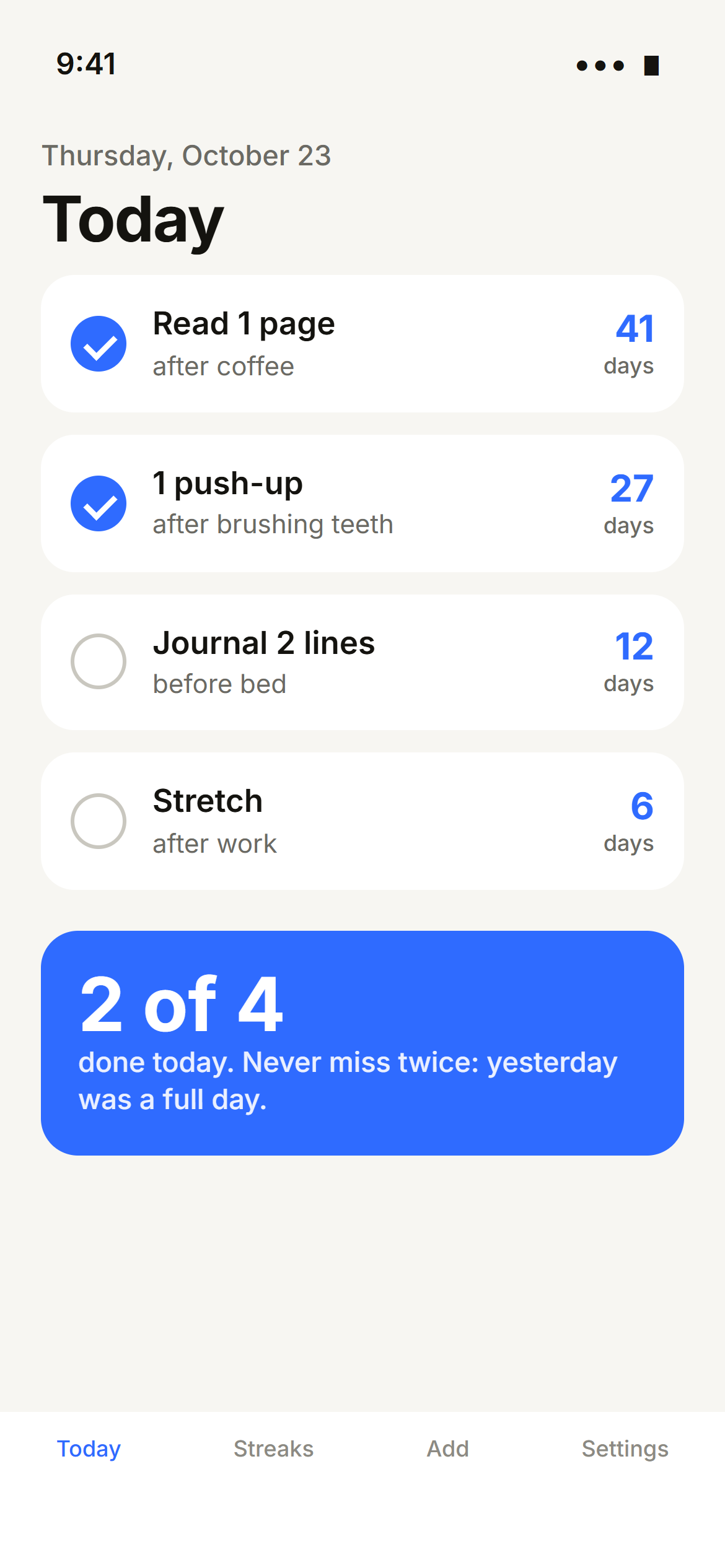
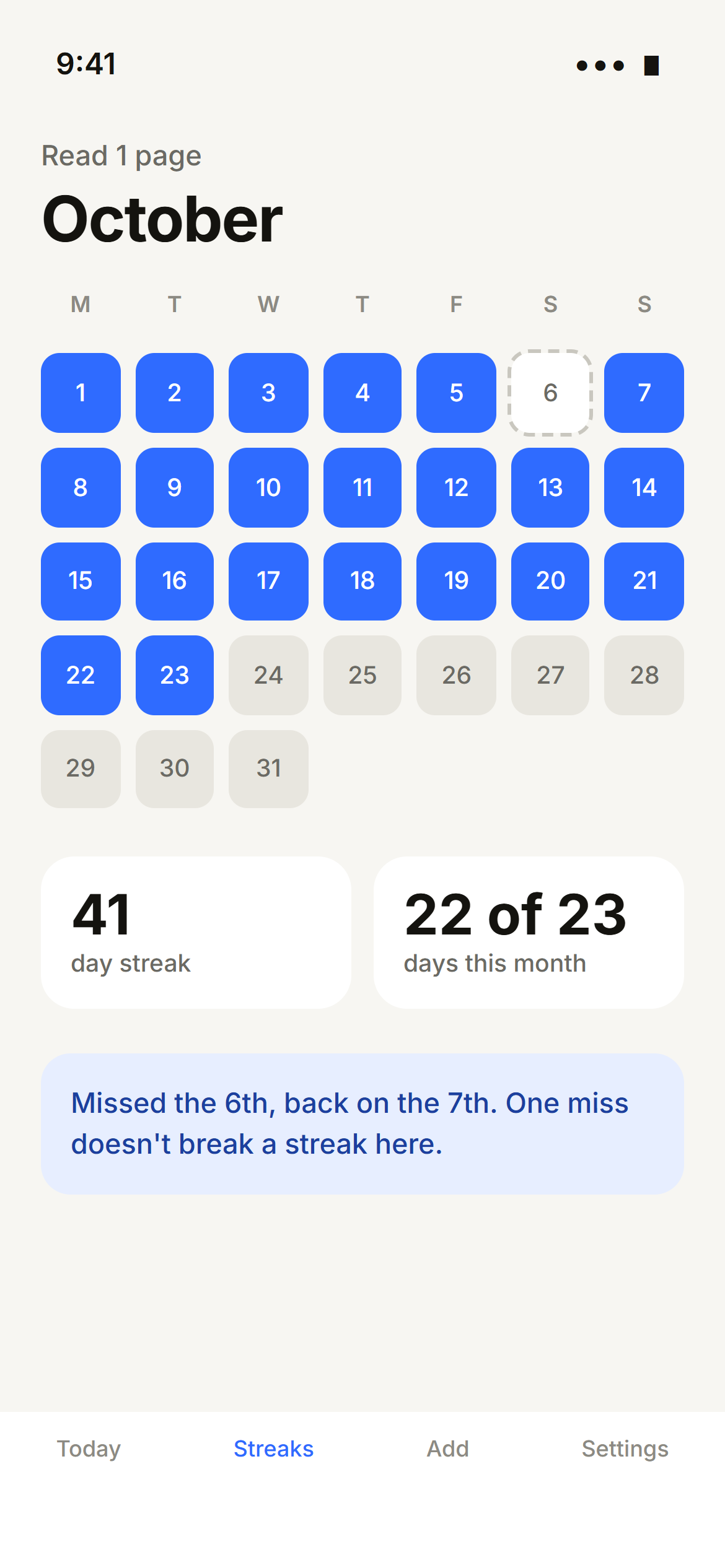
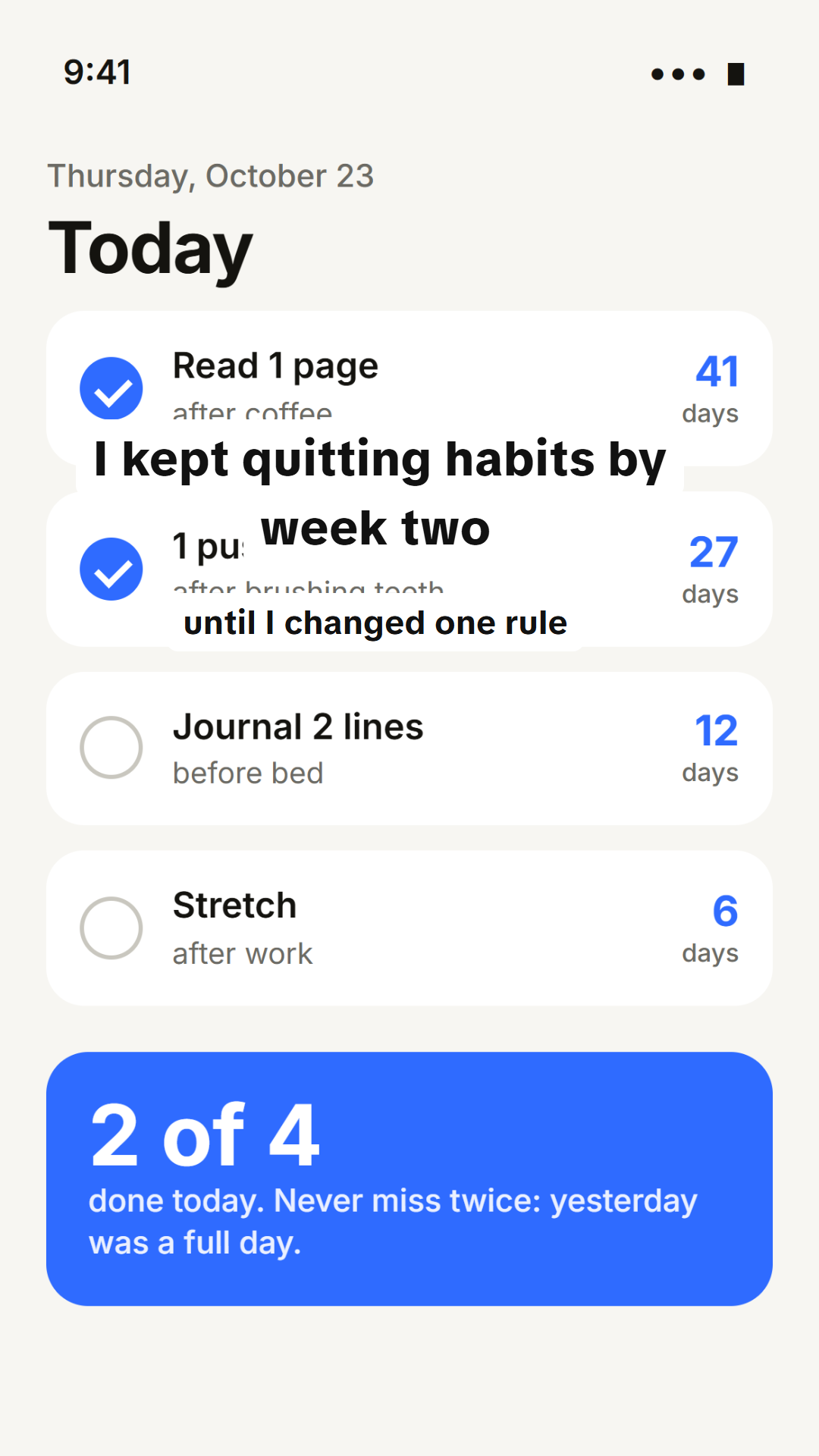
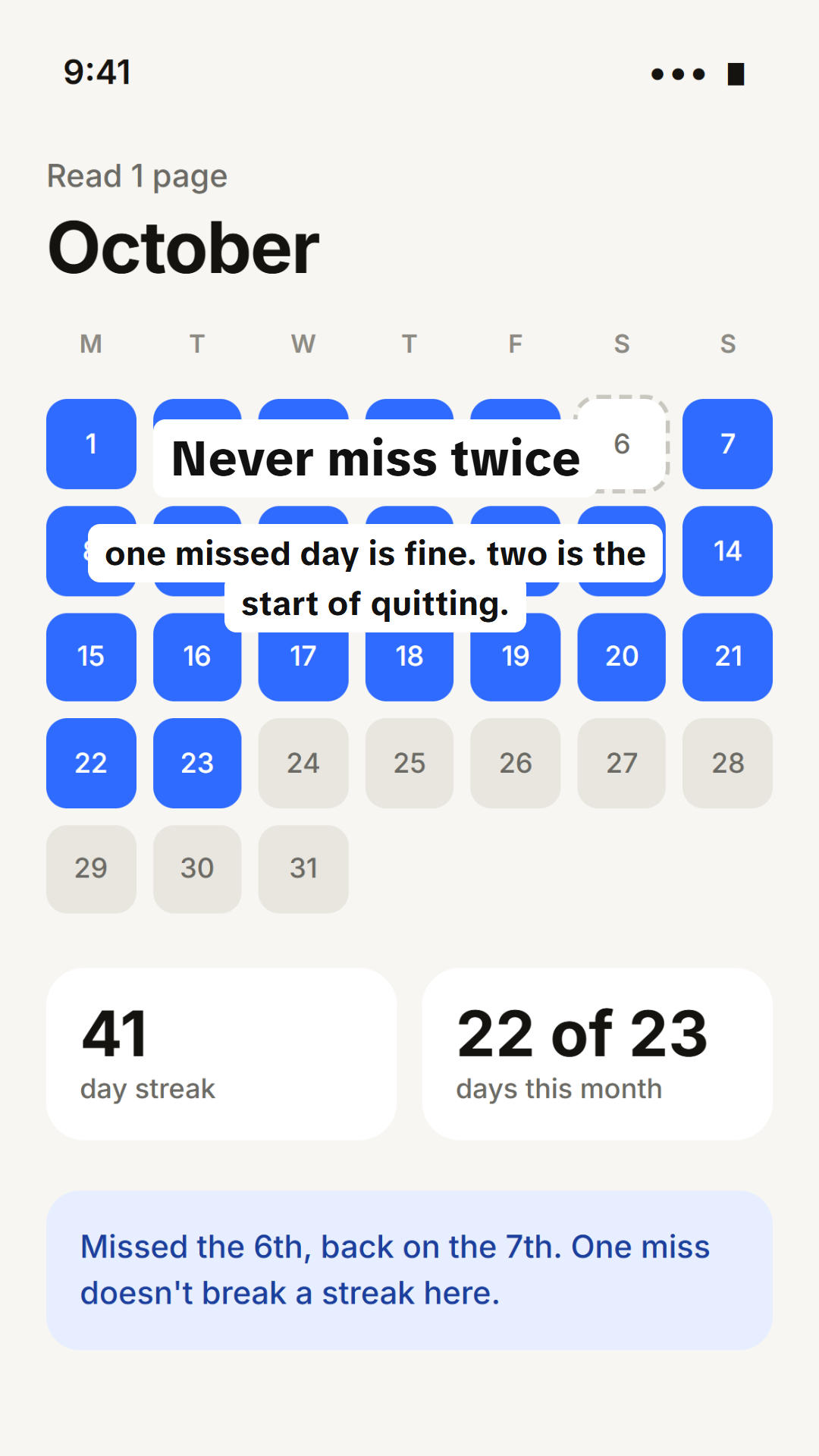
Give Distribewt your App Store link, at least five plain screenshots of your app in use, and a brand bible if you want the voice sharper. It writes short hooks, lays out 4 to 8 slides, keeps the real UI visible and returns a review queue instead of a folder of exports.
Real screens
The post is built from your app, not stock imagery or AI faces.
- App Store link for facts
- In-app screenshots for visuals
- Brand bible for voice
TikTok specs
Slides are checked for the dimensions, copy limits and overlays that make a photo post feel native.
- Slide count and hook length
- Caption and safe-zone checks
- TikTok 9:16 and 3:4 formats
Safe zones before posting
TikTok covers the edges with captions, buttons and profile chrome. Distribewt checks overflow and safe zones on every slide, so the hook and the app screen stay readable.
Before you post, use the free tools: TikTok Slideshow Checker for file specs and Carousel Safe Zone Checker for TikTok and Instagram overlay previews.
Approval before posting
Nothing has to go out unseen. Pick Approve each post and every slideshow waits for your yes; choose TikTok drafts and the post lands in your drafts so you can add a sound first. Automatic posting is available when you want the agent to run on its own.
On paid plans, the same workflow can run from the TikTok and Instagram MCP server in Claude Code, Cursor or another MCP client.
From App Store URL to approved carousel
- Paste the App Store link and upload at least five real screenshots.
- Review the hook, slide order and captions.
- Approve the slideshow or ask for a regeneration.
- Post to TikTok, download the slides, or cross-post the same concept to Instagram carousels.
FAQ
Can Distribewt make a TikTok slideshow from my App Store link?
The App Store link gives Distribewt the app facts, but you still need at least 5 real in-app screenshots because listing images are marketing art. With those screens it builds TikTok slideshows in your app's voice.
Does it check TikTok safe zones before I post?
Yes. The pipeline checks layout overflow and TikTok and Instagram safe zones on every slide, and the free Carousel Safe Zone Checker lets you preview overlays before export.
Can a human approve slides before they post?
Yes. Choose Approve each post and every slideshow waits for your yes. TikTok posts can also land as drafts so you can add a sound before publishing.
Does Distribewt support Android or web apps?
No. Distribewt currently supports iPhone apps on the App Store only.
Next steps
Read the iOS slideshow guide, compare TikTok slideshow tools, or try Distribewt free.