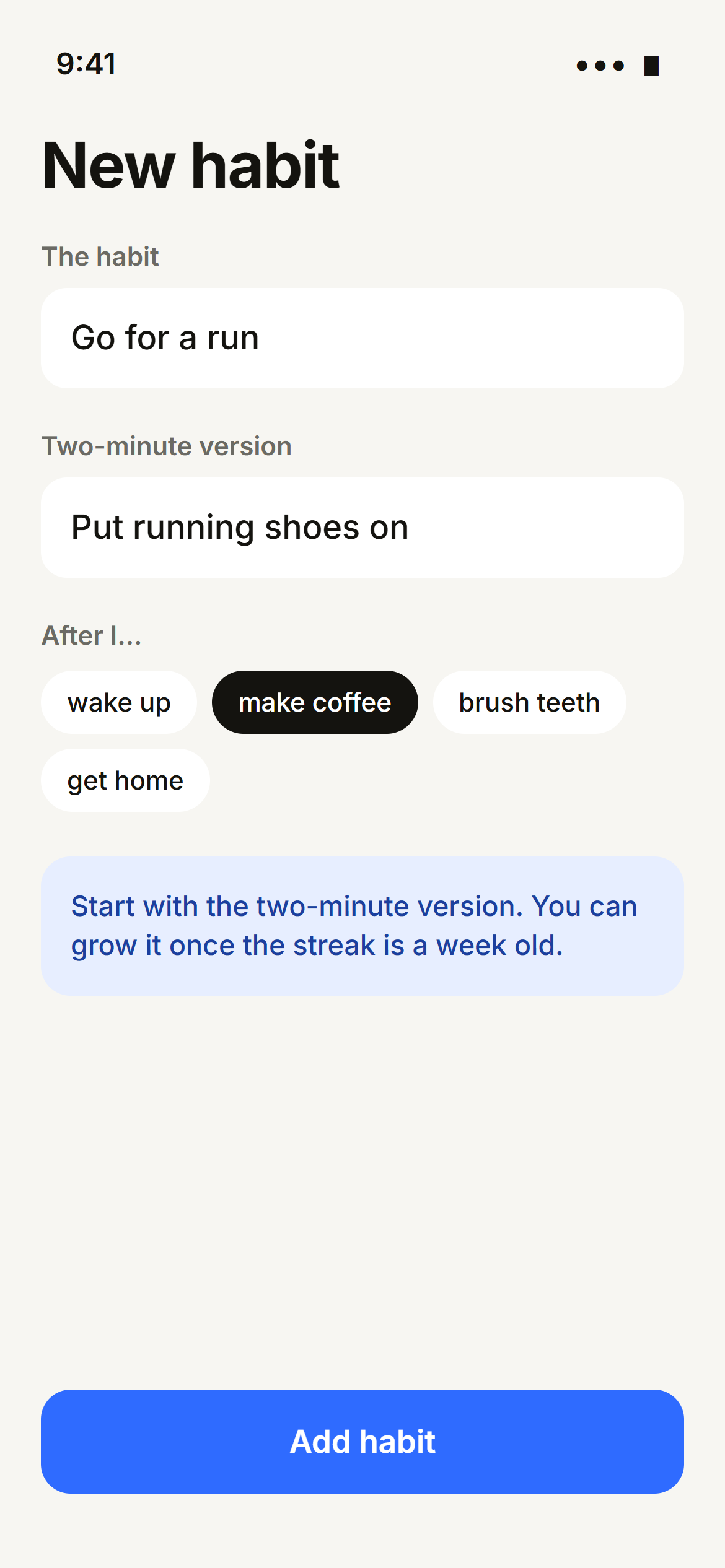
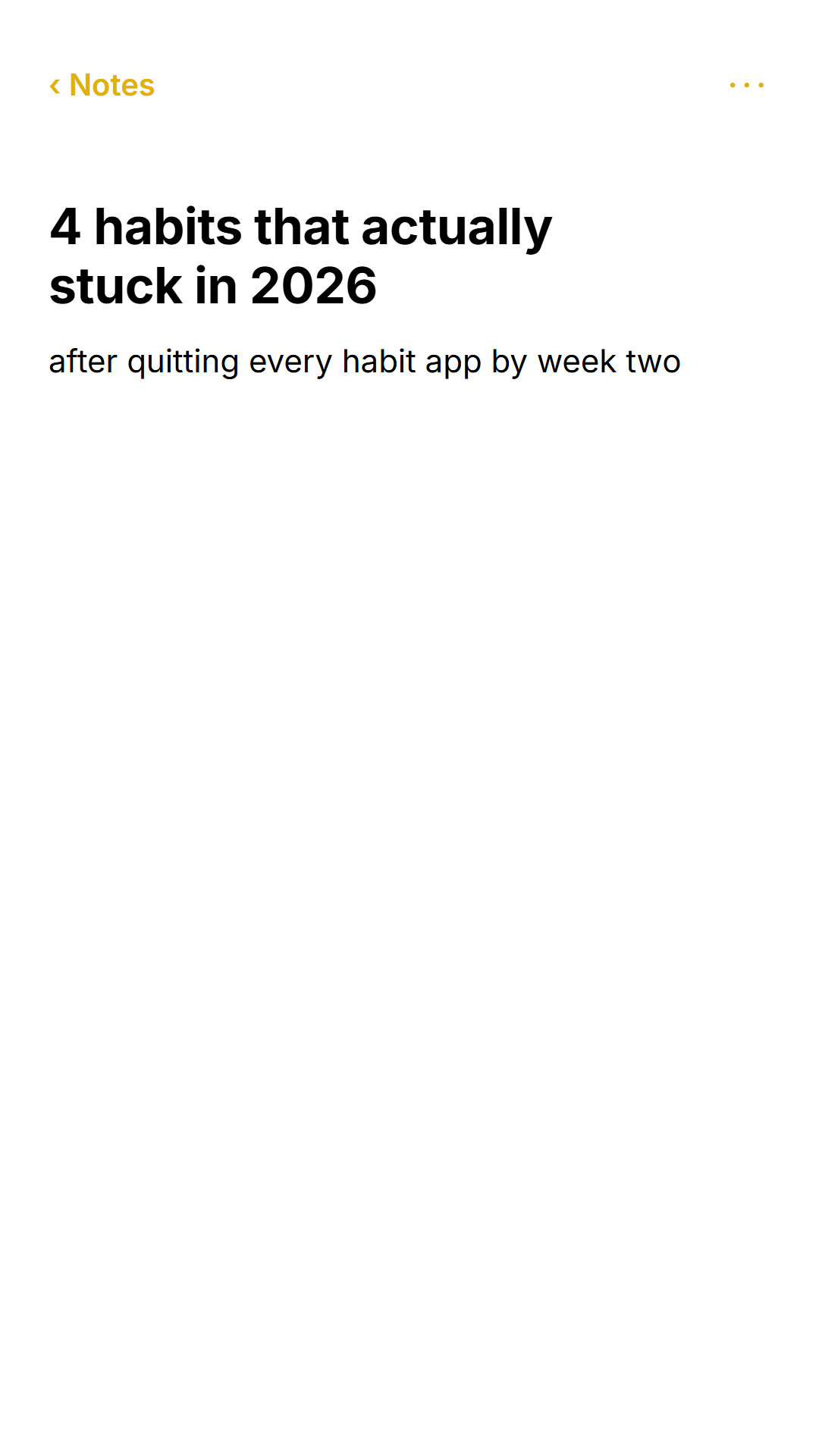
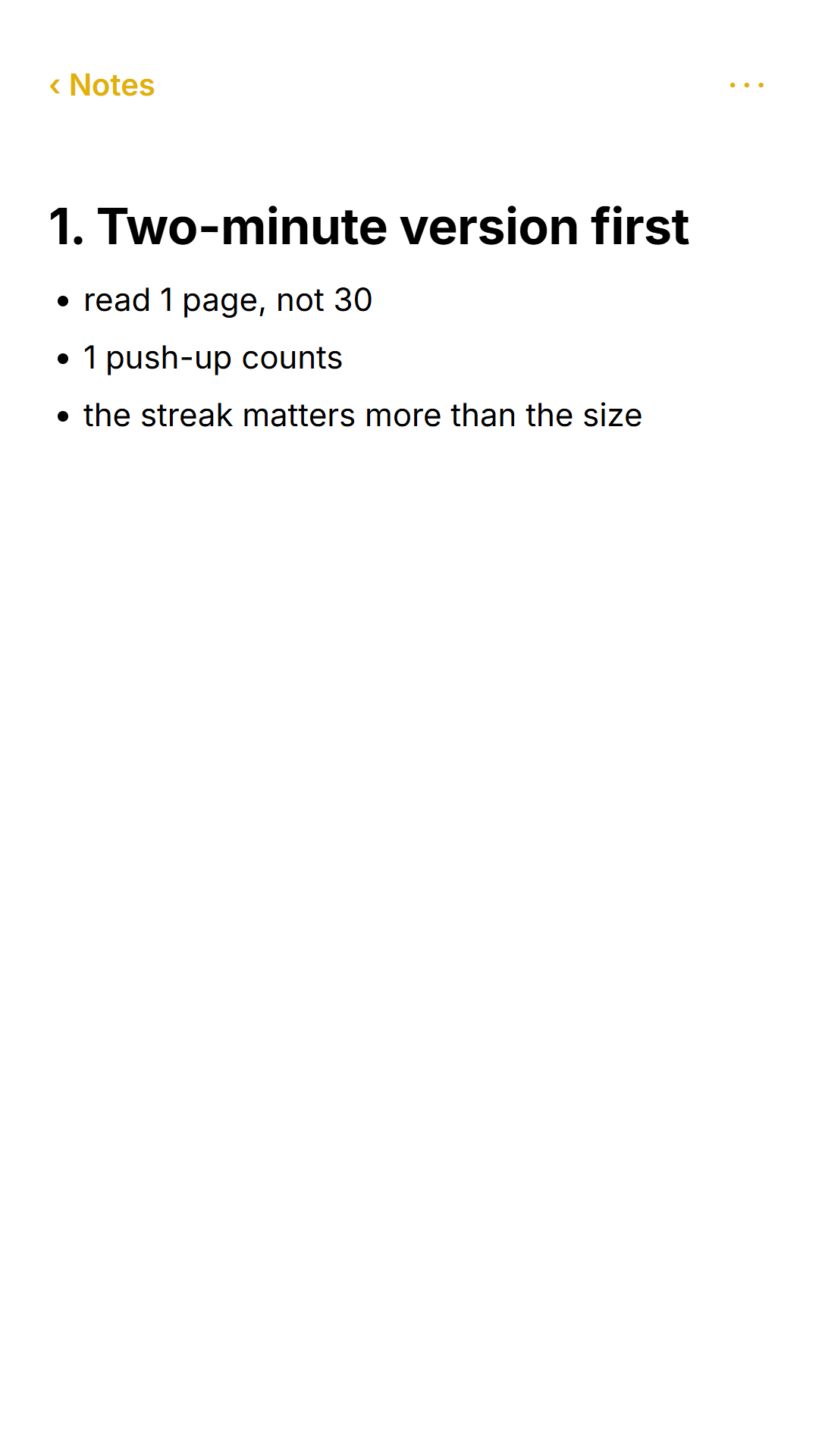
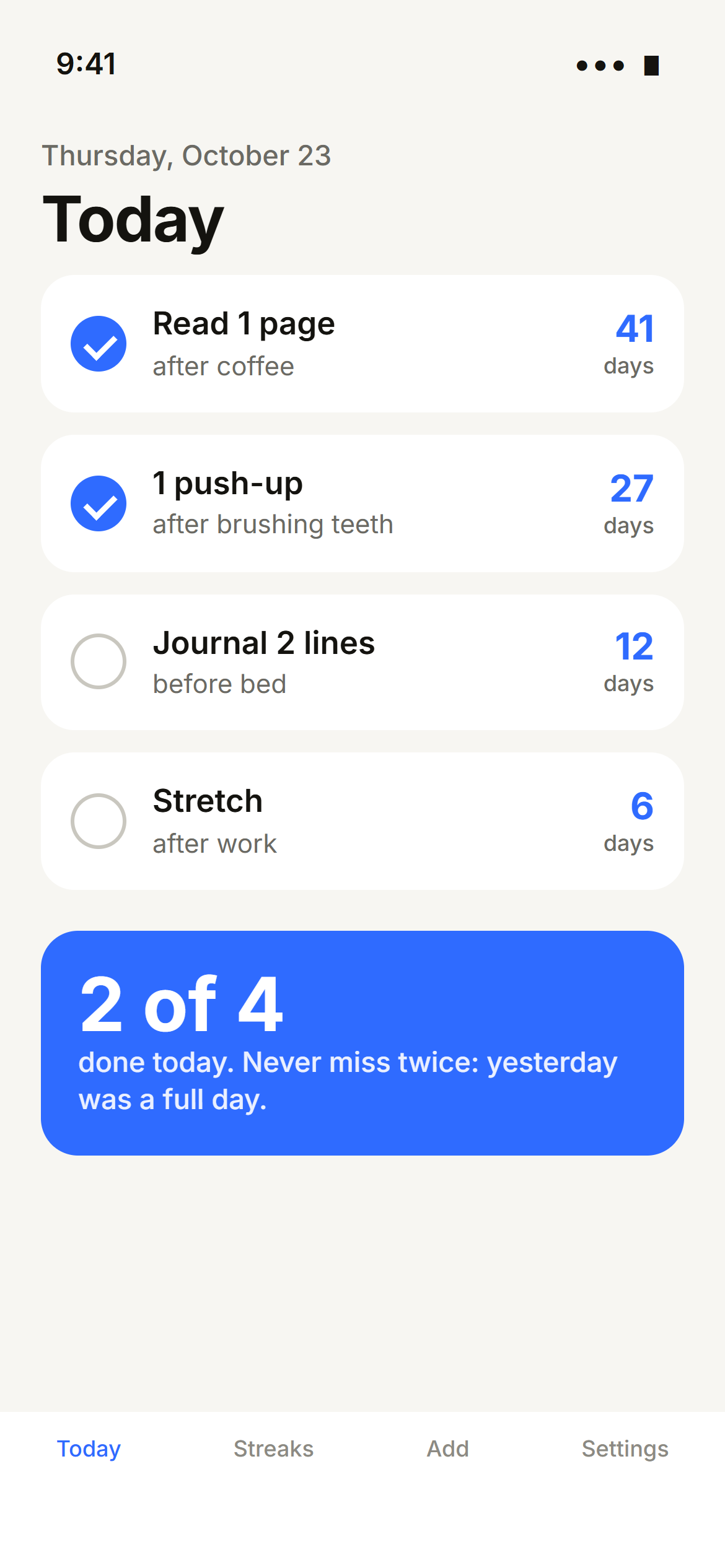
Portrait framing that keeps the app visible
Instagram carousels need the hook, the proof and the app screen to survive the portrait crop. Distribewt lays out 4 to 8 slides, keeps large screenshots to the slides that need them and runs layout and safe-zone checks before review.
Real app screens
Use your App Store link for facts and plain in-app screenshots for visuals.
Safe zones
Check Instagram overlays with the Carousel Safe Zone Checker before export.
Cross-post with TikTok slideshows
The same review queue can feed TikTok slideshows. When one asset has to serve both platforms, the checker shows where TikTok and Instagram crops intersect; separate exports are still the safest choice.
From App Store URL to approved carousel
- Paste the App Store link and upload at least five real screenshots.
- Review hooks, slide order and captions.
- Approve the carousel or ask for changes.
- Publish to Instagram, download slides, or reuse the concept for TikTok.
On paid plans, the MCP server can run the same flow from Claude Code or Cursor.
FAQ
Can Distribewt make an Instagram carousel from my app?
Yes, for iPhone apps on the App Store. Give it your App Store link and at least five real in-app screenshots, and it builds portrait carousels with hooks, captions and app proof.
Does it use 4:5 portrait framing?
Instagram carousels are framed for Instagram's portrait view and checked against Instagram safe zones. If you cross-post, the checker warns when one ratio will crop or fail to fill the other platform.
Can the same slides go to TikTok and Instagram?
Sometimes. Separate TikTok 9:16 and Instagram portrait exports are the safest workflow, and the safe-zone checker shows the cross-post intersection area.
Does a person approve before posting?
Yes. Choose Approve each post and every carousel waits for your yes before it can publish.